> For the complete documentation index, see [llms.txt](https://aeudoc.gitbook.io/compliance/llms.txt). Markdown versions of documentation pages are available by appending `.md` to page URLs; this page is available as [Markdown](https://aeudoc.gitbook.io/compliance/application-development/sprint-planning/sprint-backlog.md).
# Sprint Backlog
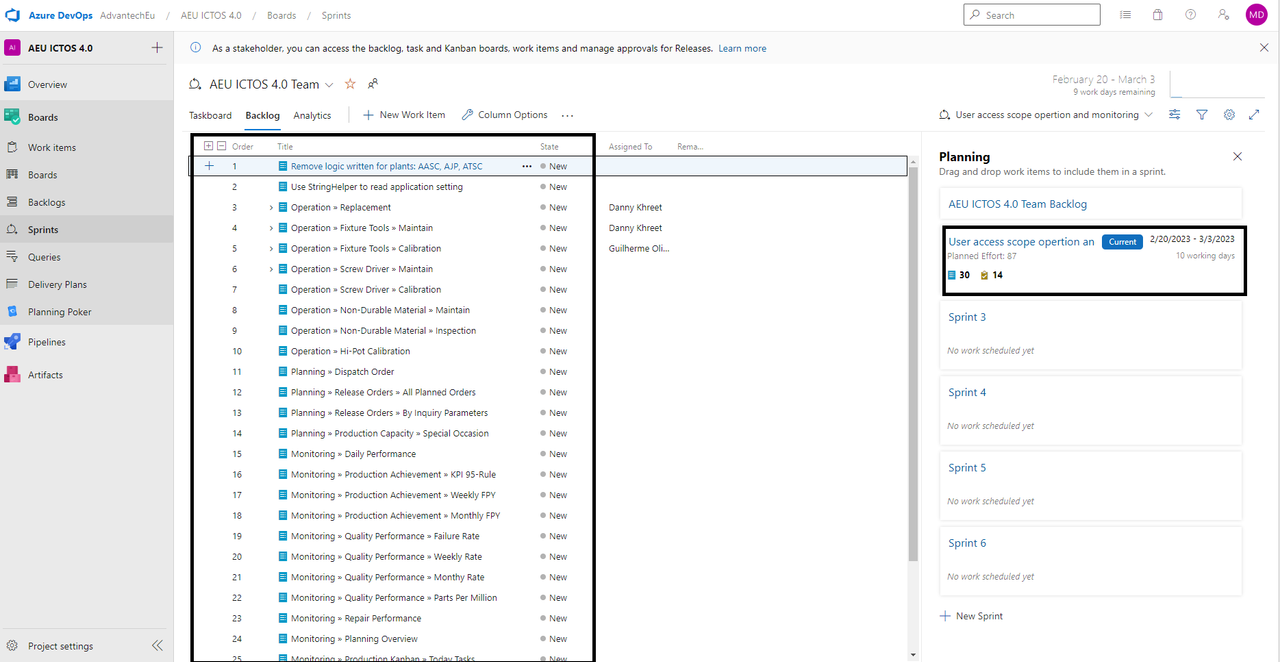
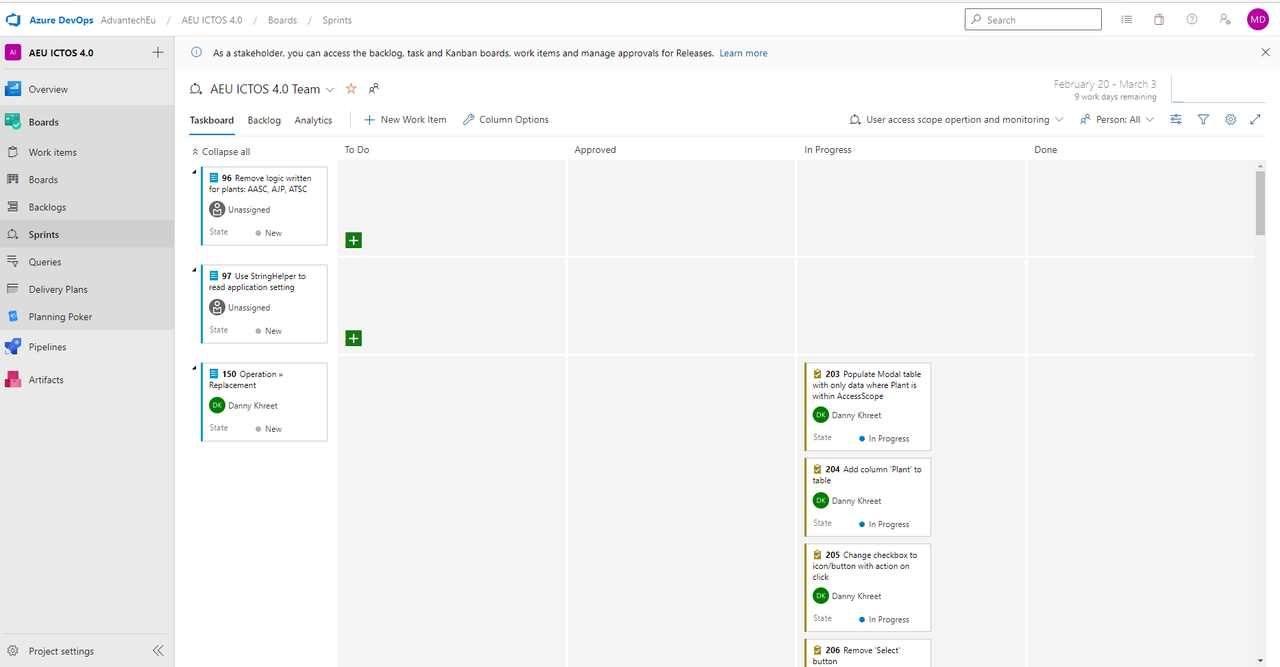
The Product Backlog items chosen for the current Sprint are included in the Sprint Backlog, along with strategies for delivering product increments to meet Sprint objectives. The sprint backlog represents the development team's expectations for the functions that will be delivered in the upcoming increment and the effort that will be needed to do so.
What the development team must do to turn the Product Backlog Items into "done" increments is specified in the Sprint Backlog. The work needed by the development team to complete the sprint goals is made clear by the sprint backlog. The Sprint Backlog is a detailed enough plan to enable daily meetings to comprehend changes in progress. As the development team follows the plan and gains more insight into the work required to meet the Sprint goals, the Sprint Backlog will gradually start to take shape. The development team will make changes to the Sprint Backlog during the Sprint.
### Who decides and owns the sprint backlog?
On the first day of the sprint, at the Sprint Planning meeting, the sprint backlog is determined. The development team must add any new tasks to the Sprint to-do list as soon as they are discovered. The anticipated remaining workload for each job must be updated when tasks progress or are finished. A component of the plan may be eliminated if it no longer serves the purpose of development. Only the **development team** has the ability to change the Sprint Backlog. It is a live representation of the team's ambitions to finish work during the current Sprint.
###